Append Table
ACCESS THE CUSTOM STEP FOLDER
Description
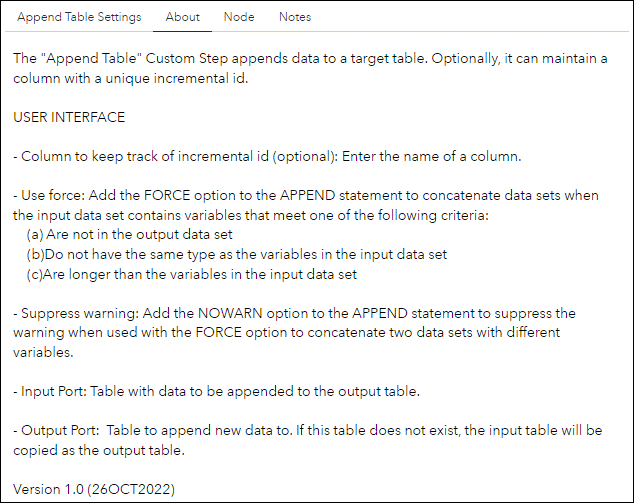
The "Append Table" Custom Step appends data to a target table. Optionally, it can maintain a column with a unique incremental id.
Version: 1.0 (26OCT2022)
User Interface
 |
| |
|Requirements
No special requirements.
Usage
Append Table Settings
-
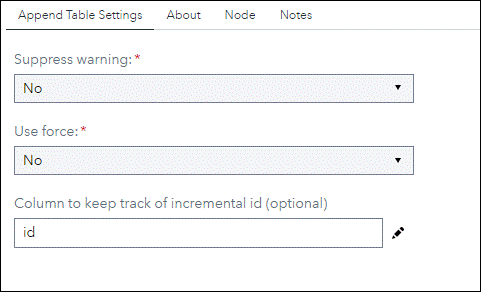
Column to keep track of incremental id (optional): Enter the name of a column.
-
Use force: Add the FORCE option to the APPEND statement to concatenate data sets when the input data set contains variables that meet one of the following criteria:
- Are not in the output data set
- Do not have the same type as the variables in the input data set
- Are longer than the variables in the input data set
- Suppress warning : Add the NOWARN option to the APPEND statement to suppress the warning when used with the FORCE option to concatenate two data sets with different variables.
Input Port
Table with data to be appended to the result table.
Output Port
Table to append new data to. If this table does not exist, the input table will be copied as the result table.
Change Log
- Version 1 (26OCT2022)
- Initial version